


Microsoft Teams Rooms
Microsoft Teams Rooms Devices for Modern Meeting Rooms
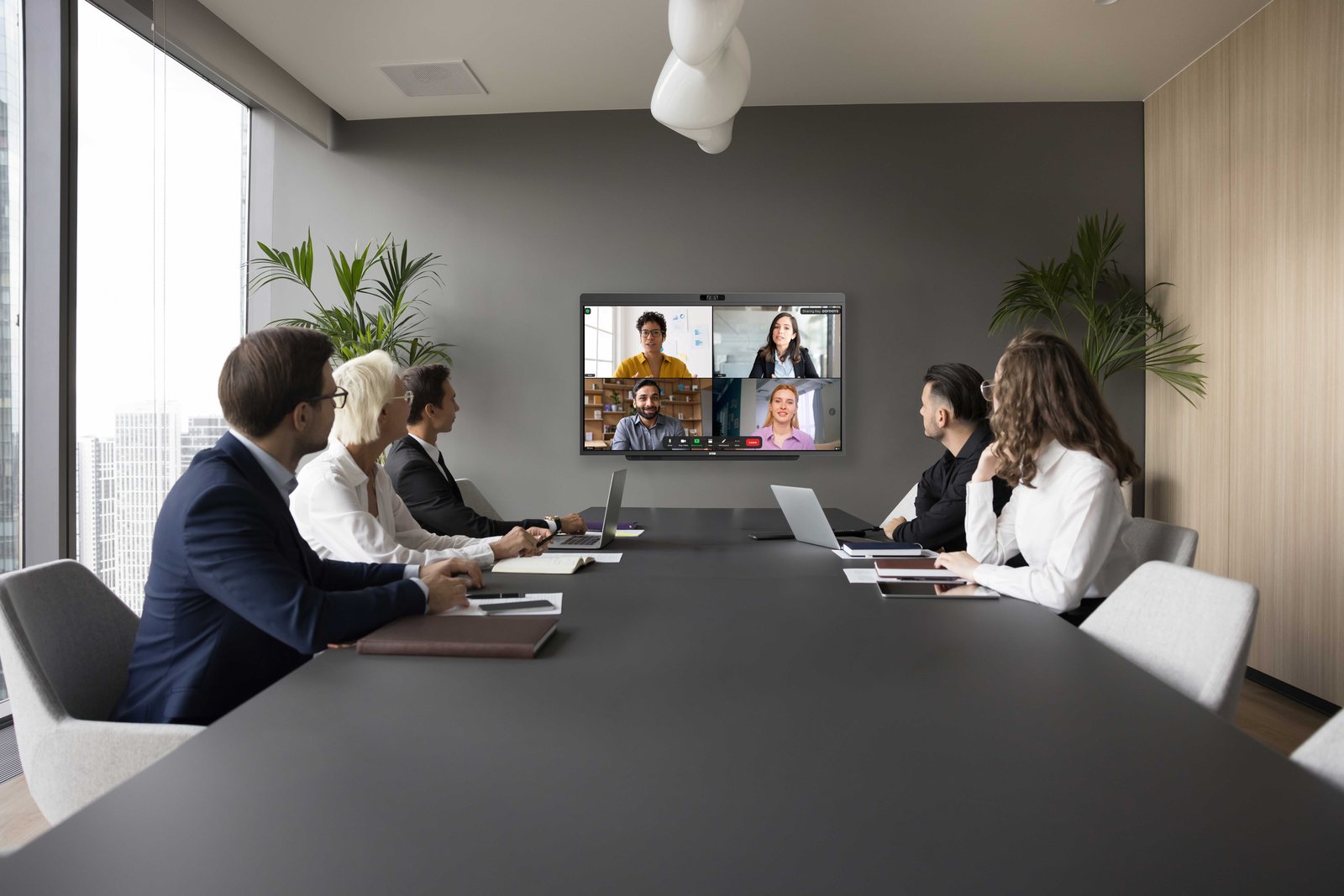
Every person in the room, seen clearly. Every voice heard equally. DTEN makes Microsoft Teams Rooms work the way meetings should.
Trusted by leading organizations worldwide












What is a Teams Room?
7 Components That Make Up a Microsoft Teams Room
A Teams Room is a purpose-built meeting space running Microsoft Teams Rooms software. It needs seven components, DTEN bundles most of them into a single certified device.
Display
Shows remote participants and shared content
Camera
Captures people in the room
Microphone
Captures voices clearly
Speaker
Provides room audio
Touch Controller
Starts and controls meetings
Compute
Runs the Teams Rooms experience
Room Management
Helps IT monitor and support rooms
The DTEN D7X AI Board bundles all 7 components into one device, its own 4K touchscreen is the touch controller, so no separate console is required. (In modular setups built around Bar Connect, the DTEN Mate Gen 2 is the touch controller.) Wall-mount it (VESA 400×300) or use a standard AV cart or floor stand for rooms where wall mounting is not an option.
All-in-One Recommendation
DTEN D7X AI Board
For most standard conference rooms, the D7X AI Board replaces the separate AV components. Display, camera, mic, speaker, compute, controller, and Windows 11 are all built in.
DTEN Products
DTEN Products for Microsoft Teams Rooms
Find the right teams room equipment for your space, all-in-one or modular BYOD. Each device is designed for a specific room type and use case.
All-in-One
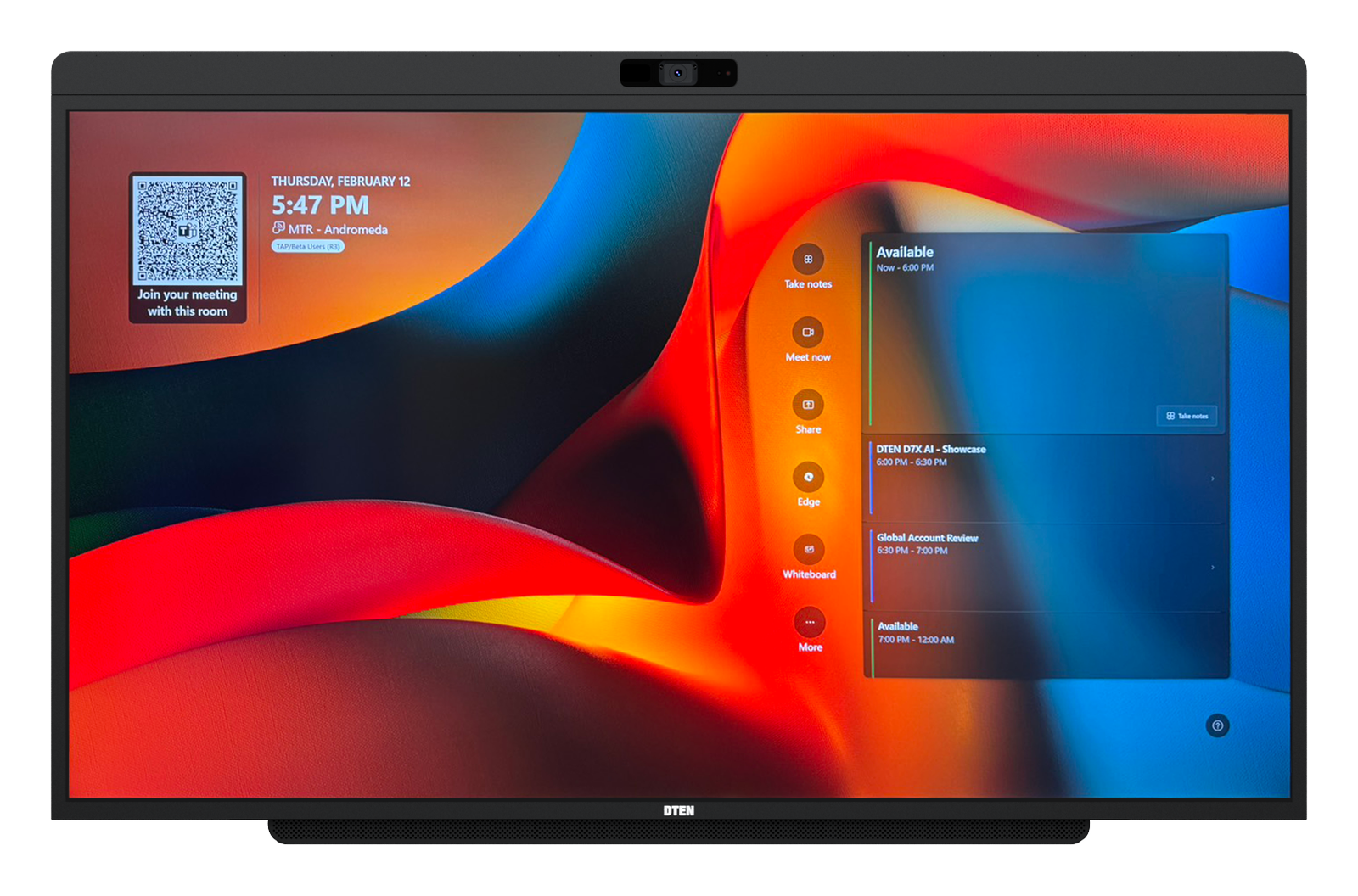
D7X AI Board
55" · Windows 11
Best for Huddle & Small to Medium Conference Rooms · 2 to 10 People
Every voice heard. Every face seen individually in Teams Cloud IntelliFrame. One device handles display, camera, mic, speakers, and Windows 11, walk in, tap to join.
- 48MP center camera
102° HFOV
dual AI depth sensors
160° combined FOV - 15-element beamforming mic
4×10W speakers (40W total) - Microsoft Teams Rooms & Zoom Rooms certified
- VESA 400×300
BYOD via USB‑C
All-in-One
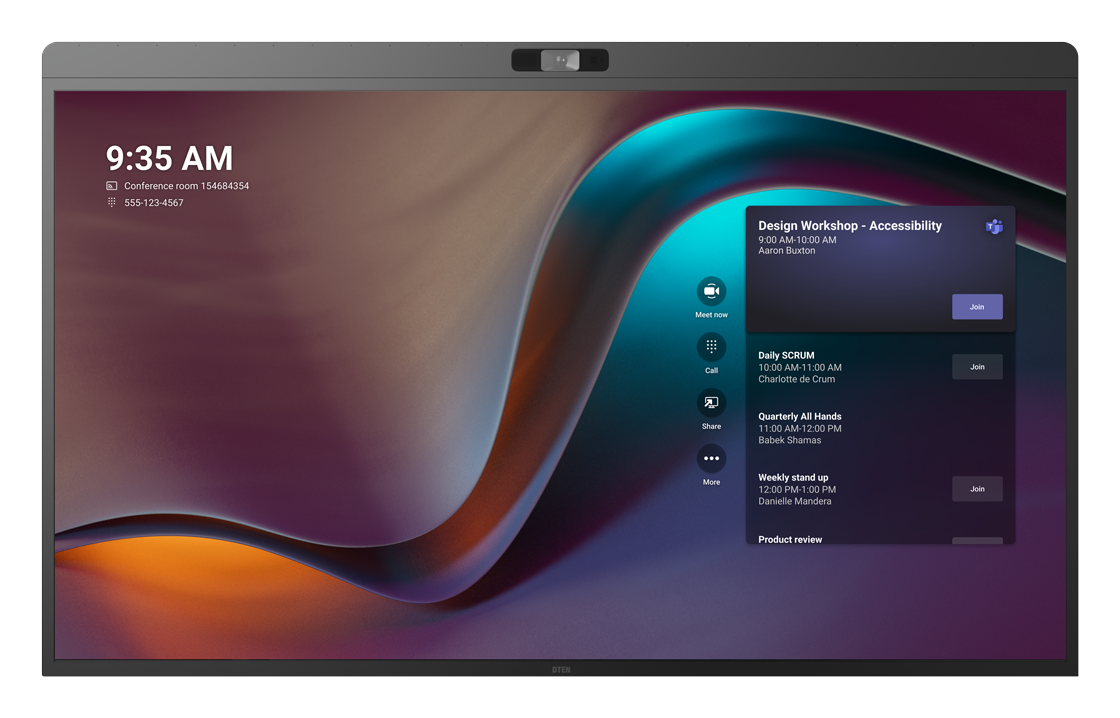
D7X
55" or 75" · Windows 11
Best for Small to Large Conference Rooms & shared spaces
Reliable all-in-one for Teams or Zoom, certified hardware, clear audio, and an integrated touch display. Walk in, tap to start. No separate PC or camera needed.
- 4K camera
90° HFOV (75")
auto-framing - 15-microphone array
integrated stereo speakers - Certified for Microsoft Teams Rooms & Zoom Rooms
- VESA 400×300
BYOD via USB‑C

BYOD
Bar Connect
DTEN OS · + Mate Gen 2 console
Best for Existing displays · single or dual screen
Bring your existing display into the meeting. One USB‑C cable from your laptop, Bar Connect adds a 4K camera, microphone array, and integrated stereo speakers without replacing what's already in the room.
- 4K (8MP) camera
95° HFOV
mic array
integrated speakers - Single USB‑C to host compute
- Supports single & dual display setups
- Wi‑Fi 6, Ethernet & Bluetooth 5.0
Console
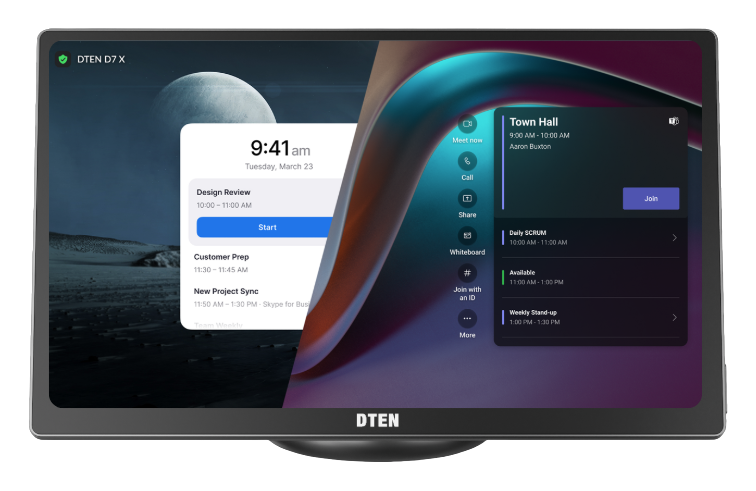
Mate Gen 2
Touch console · built-in microphones
Best for A touch console for D7X AI Board, D7X & Bar Connect rooms
Table console with built-in microphones and USB‑C content sharing. Certified as a touch controller for both Microsoft Teams Rooms and Zoom Rooms, with BYOD via USB‑C.
- One-touch join, room scheduling & session control
- Built-in microphones
USB‑C content sharing & BYOD - Works with D7X AI Board, D7X & Bar Connect (Teams & Zoom Rooms certified)
Vision System
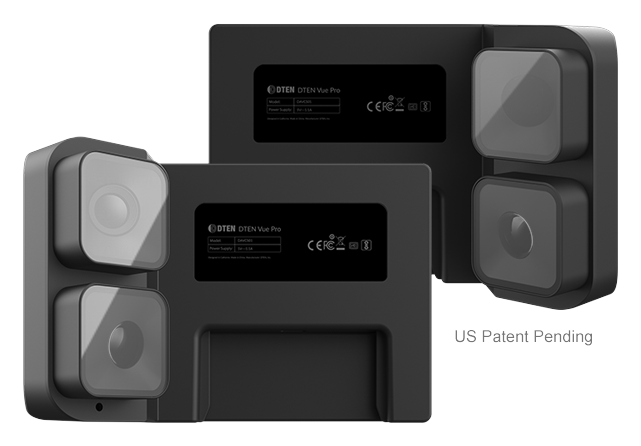
Vue Pro
Multi-camera system
Best for Large Conference Rooms & wide-coverage spaces
Multi-camera system. Wider angles and additional shot variety for larger rooms.
Pairs with the D7X Series and D7X AI Board for complete wide-room coverage.
- Multi-camera system
wider angles & shot variety - Captures every participant well in larger rooms
- Pairs with D7X Series & D7X AI Board
Contact Sales
Find the Right Setup for Your Spaces
Tell us about your rooms and a DTEN specialist will recommend the right configuration and pricing, no commitment required.
See It in Action
A Closer Look at DTEN Teams Rooms

Ready to see it live?
Book a 30-minute demo with our team.
Buying Guide
Choosing the Right Teams Room Camera and Display
Before you select hardware, walk through these eight dimensions for each room. They determine whether an all-in-one or modular setup fits better.
Room Size
Larger rooms need a 75" display or a supplementary camera for full coverage.
Seating Layout
Standard rectangular rooms work well with a fixed camera. Round or L-shaped rooms benefit from multi-camera coverage.
Camera Field of View
AI auto-framing handles most layouts. For unusual angles, pair the D7X with Vue Pro for extra coverage.
Display Size
Size to the farthest viewer (AVIXA viewing-distance guidance). The back seat should sit no more than about 6× the screen's image height away. In practice, D7X 55" suits rooms up to 15 ft deep. D7X 75" covers rooms up to 20 ft.
Audio Pickup
D7X AI Board has a 15-element mic array with acoustic echo cancellation. For very large rooms, supplement with an extended audio solution.
Touch Interaction
D7X AI Board has a built-in 4K touchscreen for whiteboard and annotation. Modular setups add Mate Gen 2 as the controller.
Cable Complexity
All-in-one installs with just power and network, no AV cabling. Modular setups offer more flexibility and require more wiring.
IT Management
Fewer device types means a simpler fleet. DTEN Orbit manages all rooms from one cloud dashboard.
How to Choose
All-in-One vs. Modular, Which Is Right for Your Room?
D7X AI Board is a certified all-in-one Teams Rooms device. Bar Connect is a BYOD video bar for Teams and Zoom BYOD meetings that works with your existing display. The right choice depends on your room type, existing AV equipment, and whether you want a dedicated room system or BYOD flexibility.
| Setup Option | Best For | Pros | Tradeoffs |
|---|---|---|---|
| All-in-One Teams Rooms Device e.g. DTEN D7X AI Board |
Huddle to medium conference rooms, 2 to 10 seats | Simple setup, clean design, fewer components, sub‑1‑hour deploy | Less flexible for unusual room shapes Fixed display size |
| Modular Teams Room System e.g. DTEN Bar Connect + Mate Gen 2 |
Large or custom rooms, existing displays | Works with existing screens, scalable, component‑level upgrades | More cabling and integration work More SKUs to manage |
| BYOD Setup e.g. DTEN Bar Connect |
Flexible rooms, lower budget start | Lower upfront cost, works with personal devices | Less consistent meeting experience Management depends on host compute platform |
| Display + Camera Setup e.g. DTEN D7X + Vue Pro |
Basic video rooms upgrading from legacy AV | Easy incremental upgrade path | May lack full room intelligence AI features not guaranteed |
Not sure which to choose?
Our solution engineers size rooms for free, no commitment required.
Use Cases
Built for Every Type of Meeting Space
DTEN offers Teams Rooms devices for meeting rooms of every size. Room types below are defined by the distance to the farthest seated participant, a more reliable guide than floor area.
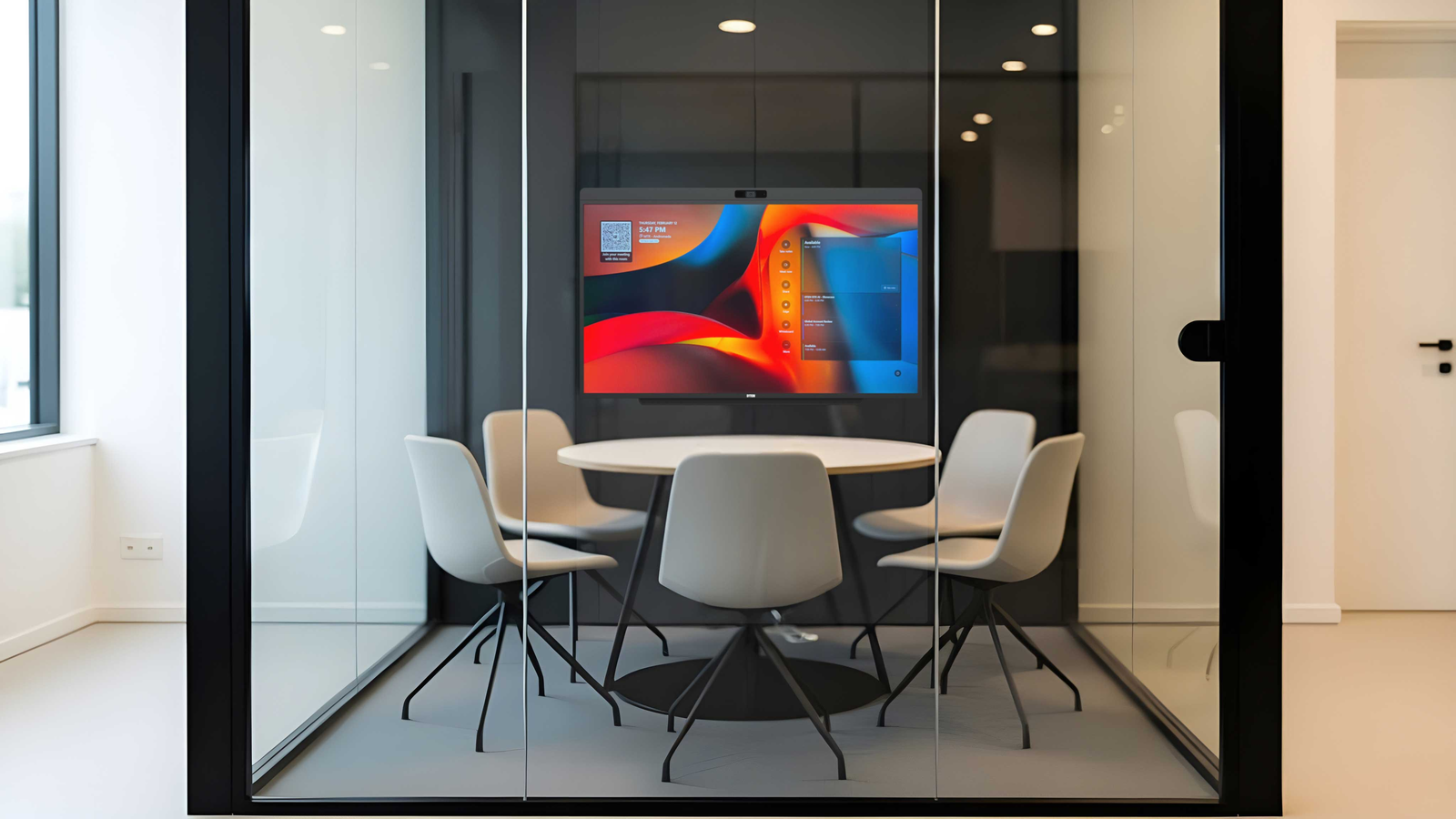
Huddle Room
2 to 4 people · up to 12 ft (3.7 m) deep.
Recommended. D7X AI Board 55".
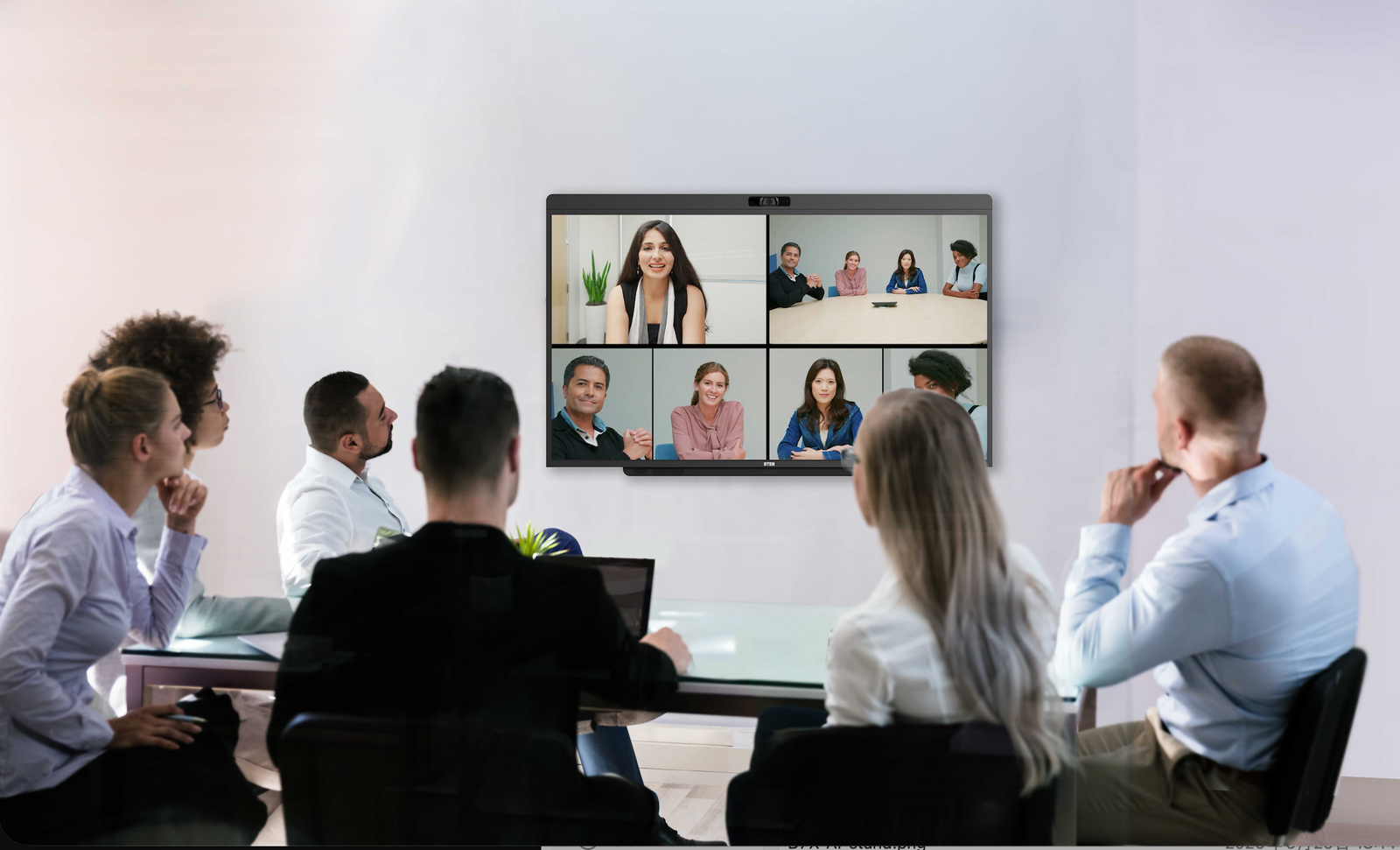
Small Conference Room
4 to 6 people · up to 15 ft (4.6 m) deep.
Recommended. D7X AI Board 55".
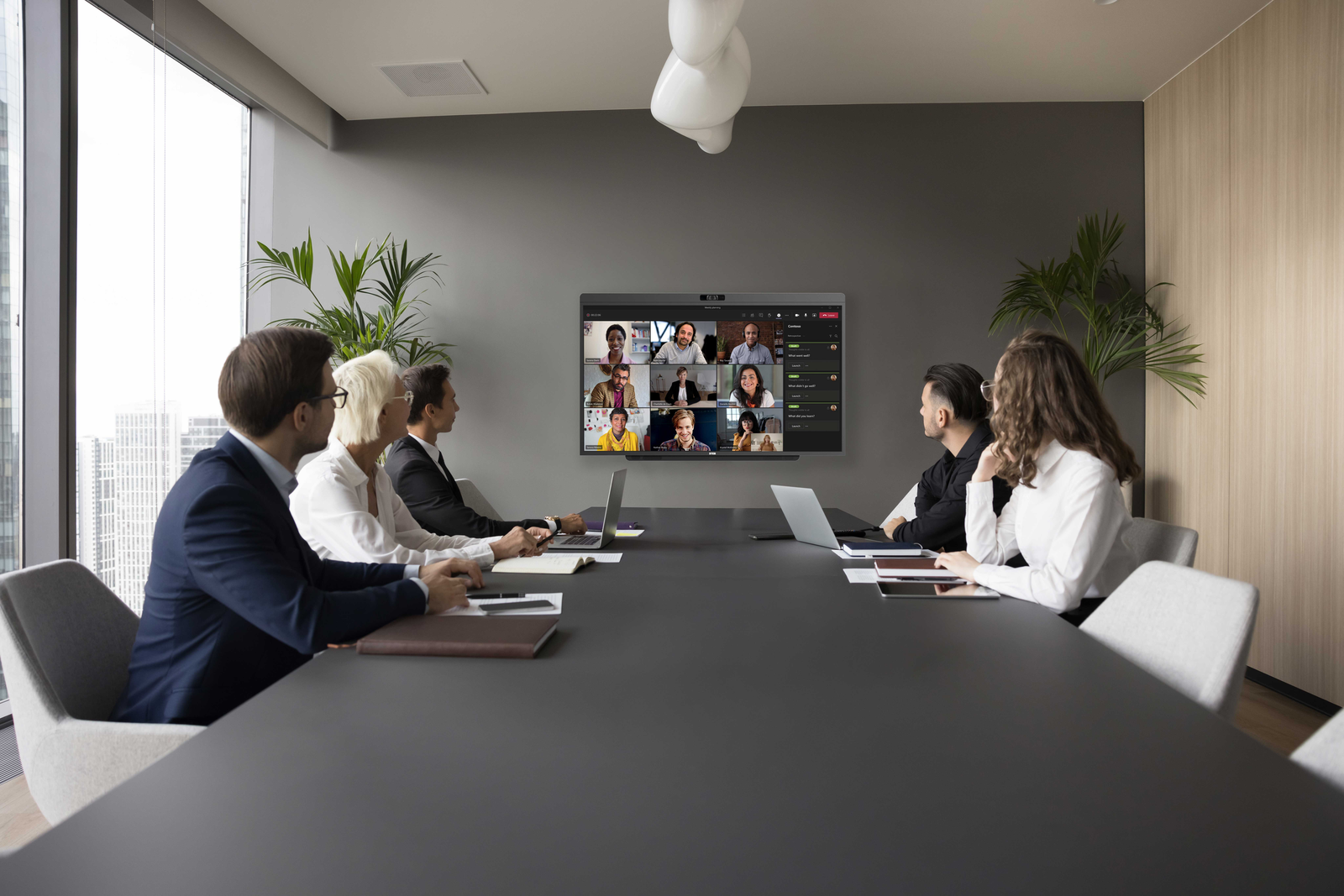
Medium Conference Room
6 to 10 people · 15 to 20 ft (4.6 to 6.1 m) deep.
Recommended. D7X AI Board 55" (up to ~18 ft) / D7X 75" preferred for larger medium rooms.
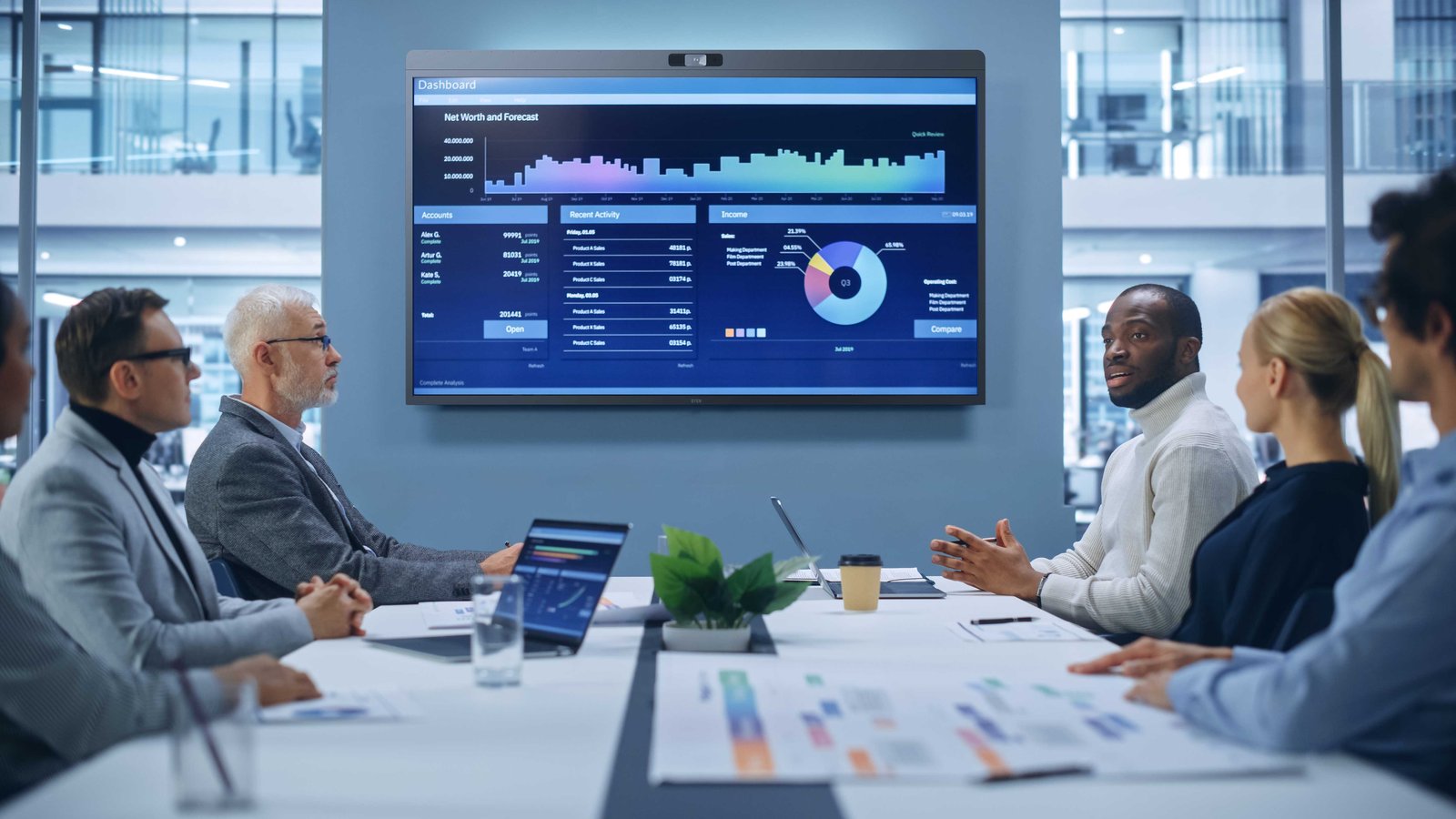
Large Conference Room
10+ people, 20+ ft (6.1 m+) deep.
Recommended. D7X 75" with room essentials (Vue Pro, Relay Speakers, and Mate Gen 2) for a better meeting experience.
Source. Room categories, capacities, and depths follow Microsoft Teams Rooms room-type planning guidance, with display sizing based on AVIXA viewing-distance standards (AVIXA DISCAS, V202.01). Figures are general guidance, actual requirements vary with room layout, seating, and furniture.
Not Sure Which Device?
Find the Right Teams Rooms Device
Tell us your room size and budget and a DTEN specialist will recommend the right setup, no commitment required.
Guides & Resources
Everything You Need to Deploy Teams Rooms
From room sizing to hardware selection, our in-depth guides walk you through every step of a successful Microsoft Teams Rooms deployment.
Why DTEN
What Sets DTEN Apart
Certified hardware and managed software from a single vendor, no integration headaches, no finger-pointing between suppliers.
Built-in AI (D7X AI Board)
Auto-framing, noise suppression, and speaker tracking on the D7X AI Board, works out of the box, not a paid add-on.
DTEN Orbit Management
Manage every device across every location from one cloud dashboard. Orbit Basic is included free with every device.
Dedicated Support
Orbit Pro adds a 15-minute response SLO (engineers engage 4 to 6× faster than Basic), a 3-year extended warranty with advance parts replacement, and continuous firmware/software updates, plus fleet-scale management.
FAQ
Frequently Asked Questions
Click any question to see the answer.
Get Started
Ready to Modernize Your Microsoft Teams Rooms?
Talk with DTEN to find the right device setup for your meeting spaces.