


Meeting Insights
Microsoft Teams Rooms Guides & Resources
Everything you need to plan, choose, and deploy DTEN Microsoft Teams Rooms — from device selection and room setup to hardware checklists and platform comparisons.
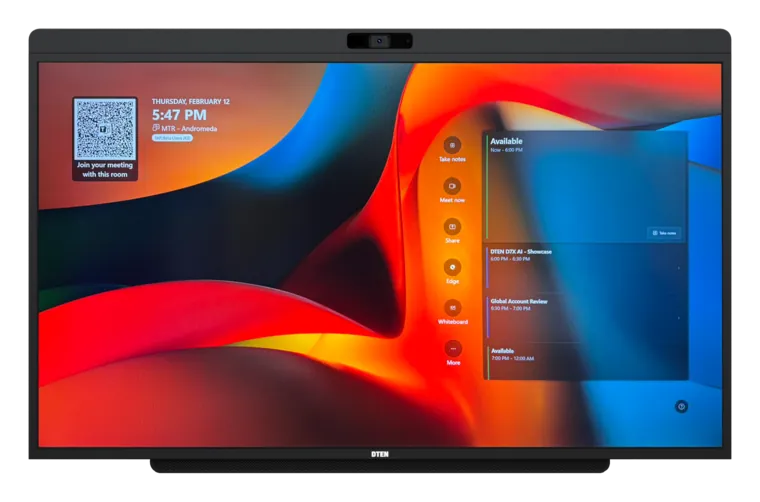
Microsoft Teams Rooms Devices
Explore DTEN Microsoft Teams Rooms devices, displays, cameras, and all-in-one hardware for small, medium, and modern hybrid meeting spaces.
Explore devices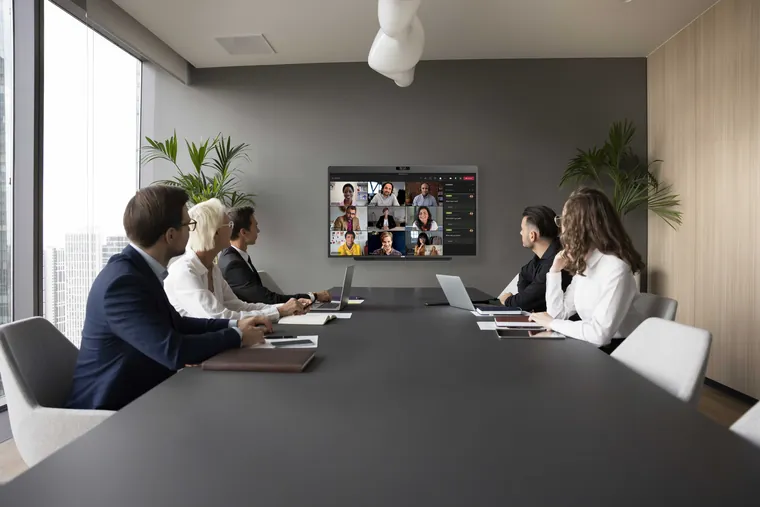
Microsoft Teams Room Setup Guide
Step-by-step instructions for getting your DTEN device registered, licensed, and running Microsoft Teams Rooms — with room, display, camera, and network planning.
Read the guide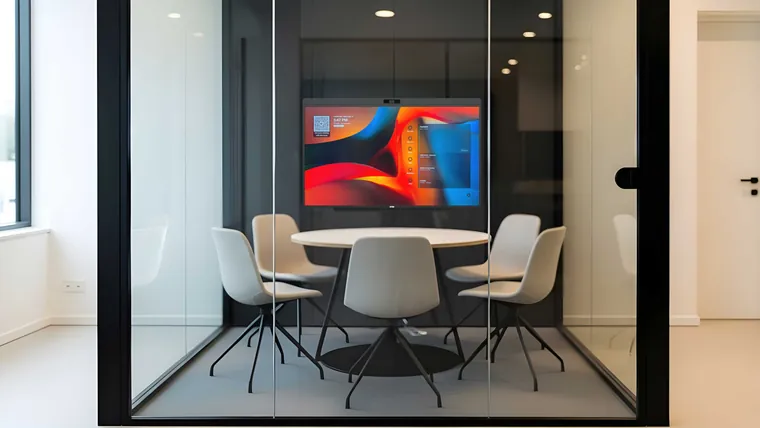
Small Teams Room Setup
How to design, equip, and configure a high-performance Teams Room in compact spaces under 400 sq ft.
Read the guide
Teams Room Hardware Checklist
A complete pre-deployment checklist covering every component, network requirement, and certification to verify before go live.
View the checklist
Microsoft Teams Room Display Guide
Choose the right screen size, resolution, and dual-display configuration for every room type in your office.
Read the guide
Microsoft Teams Rooms vs Zoom Rooms
A head-to-head comparison of both platforms covering licensing, UX, AI features, and IT management to help you decide.
Read the comparisonReady to modernize your Microsoft Teams Rooms?
Talk with DTEN to find the right device setup for your meeting spaces.
Schedule a demo