


Microsoft Teams Room Display Guide.
Size, Specs, and Placement
The right display makes the room disappear. The wrong one makes the meeting uncomfortable. Here is how to choose.
No commitment, talk to a DTEN specialist
Organizations that have deployed DTEN display solutions












Overview
What Is a Microsoft Teams Room Display?
The display is what every person in the room stares at for the entire meeting. Get the size, resolution, or placement wrong and remote participants look pixelated, text is unreadable from the back row, or the camera angle makes everyone look like they're staring at the floor. Get it right and the room disappears, people just meet.
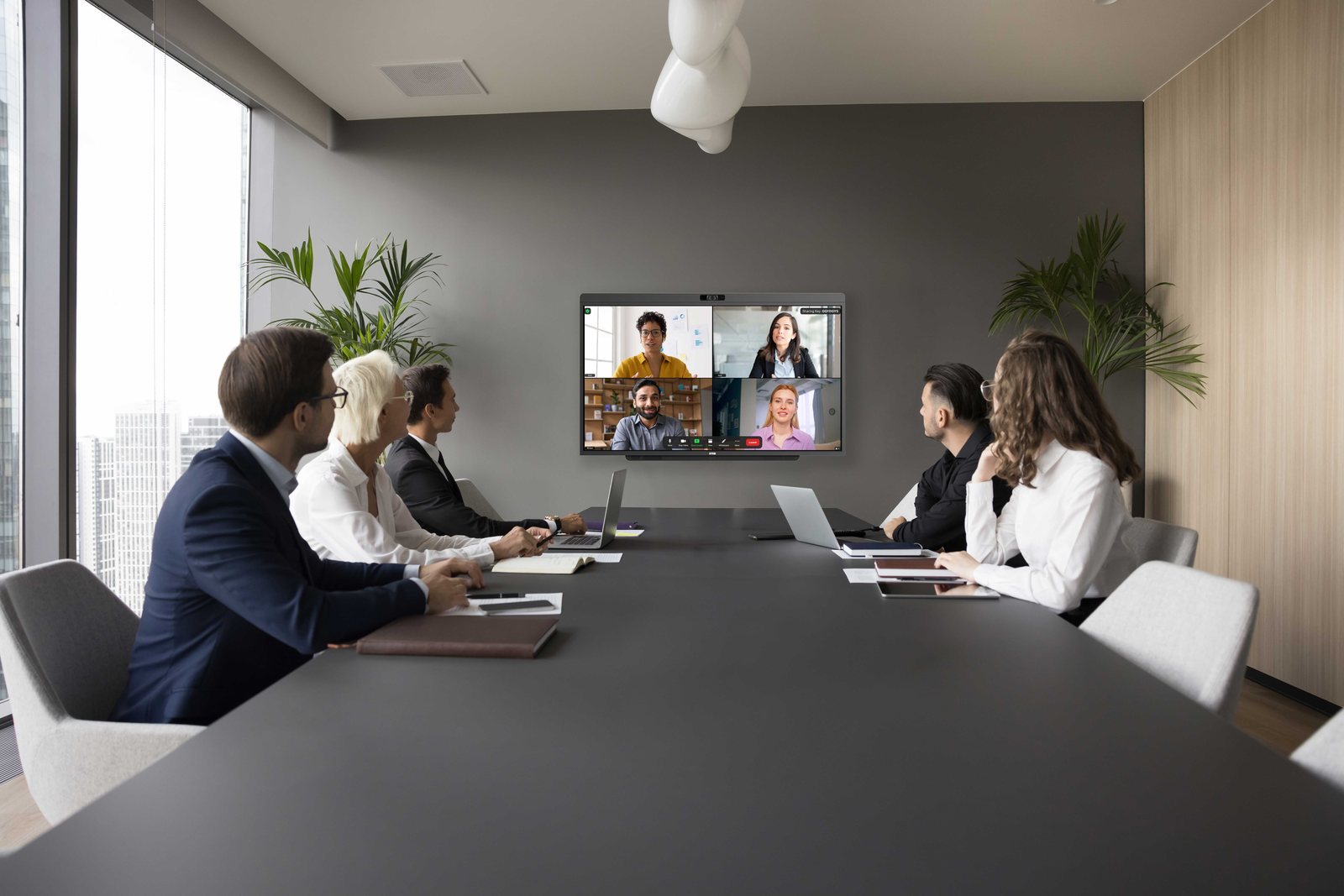
Unlike a regular TV or monitor, a Teams Room display is part of a certified system, working with a camera, mic array, speakers, and compute unit running the Teams Rooms app on Windows 11. It can be a standalone screen paired with separate AV gear, or an all-in-one device like the DTEN D7X AI Board where everything ships in a single unit.
Remote participants
Video gallery of everyone joining remotely
Shared content
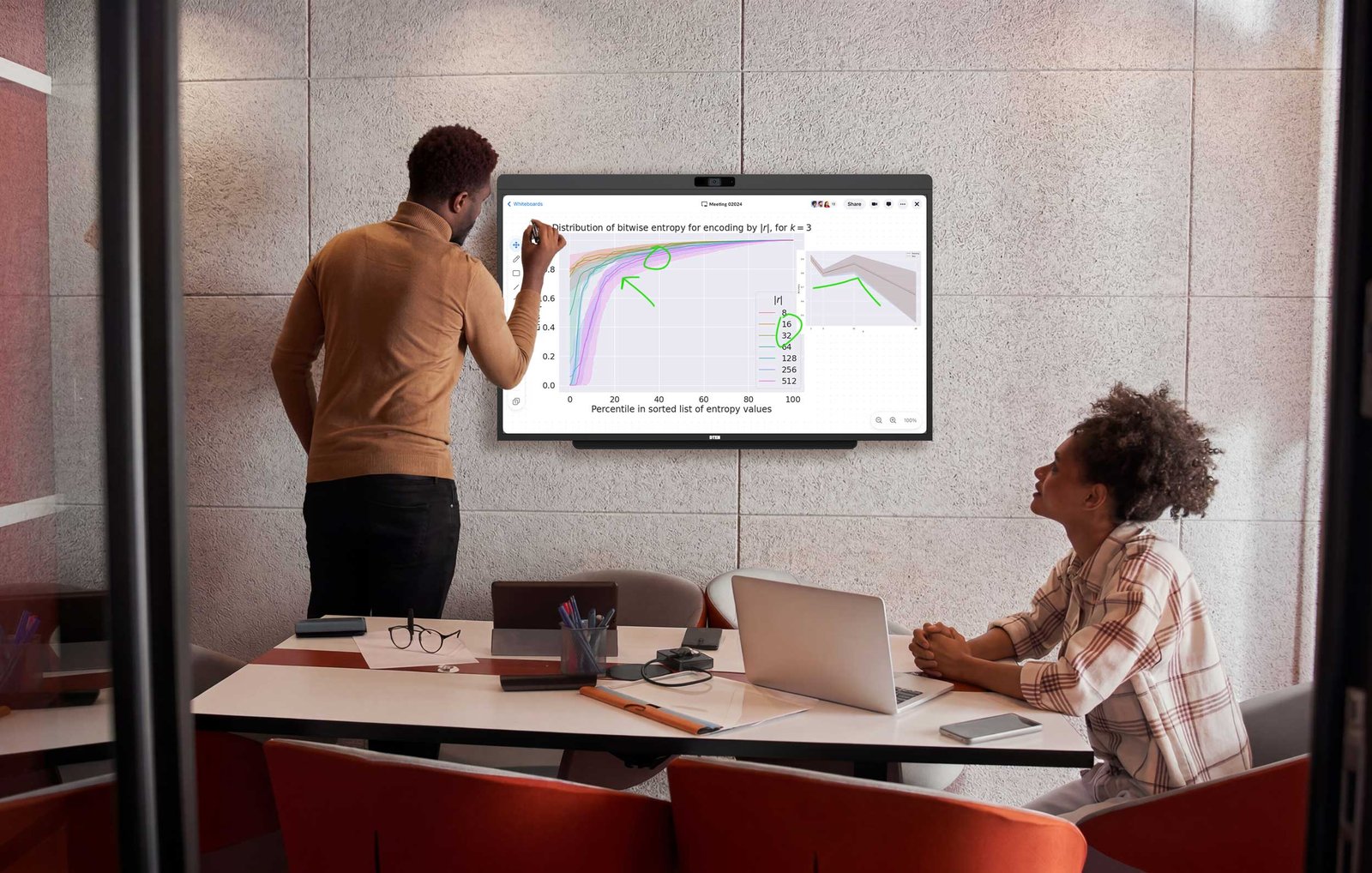
Screenshares, PowerPoint Live, Whiteboard
Room calendar
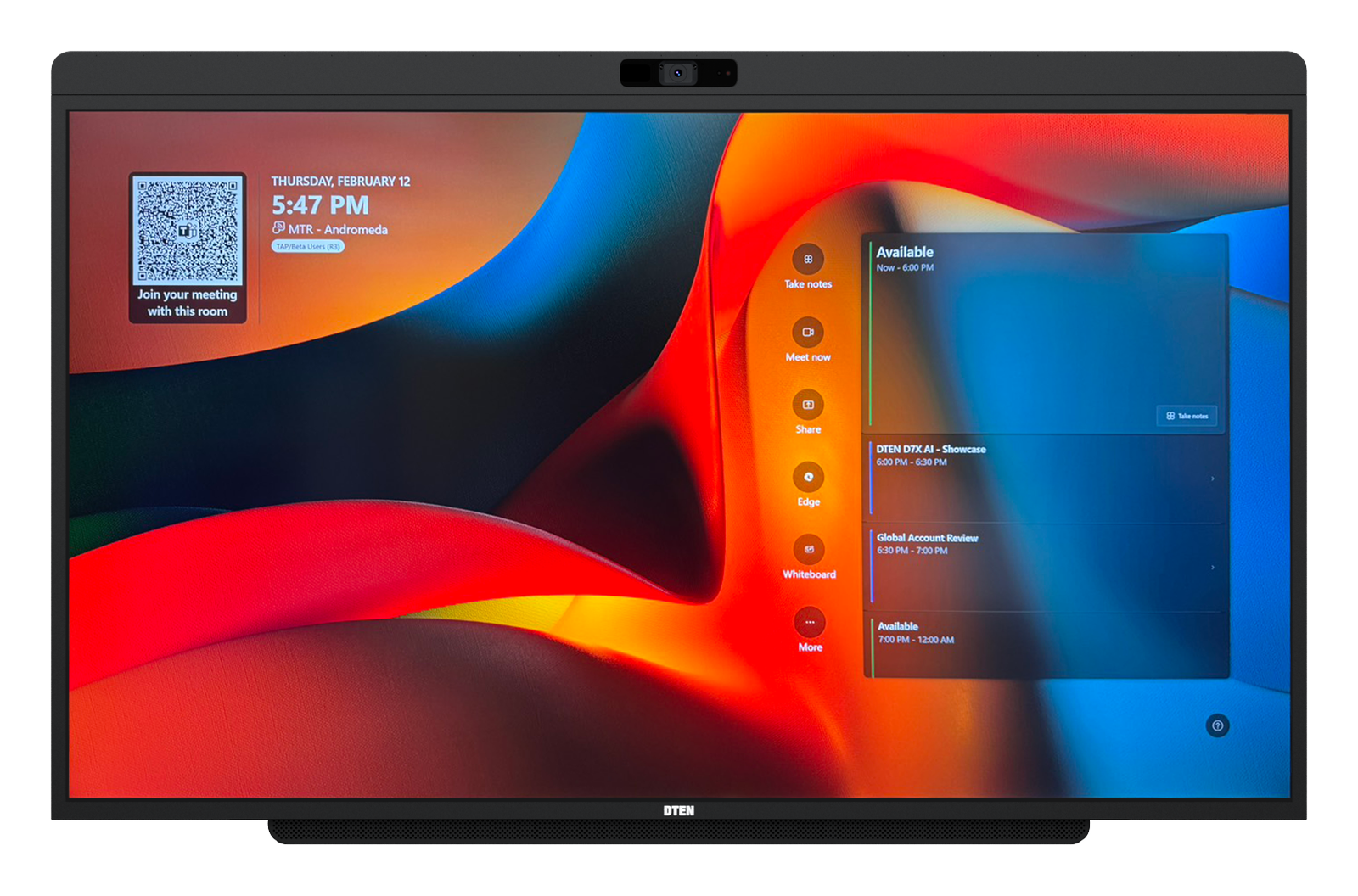
Upcoming meetings + one-touch join when idle
Touch interaction
Annotation and content nav on touch displays
Display Requirements at a Glance
Minimum Resolution. 1080p
Minimum is 1920×1080. 4K recommended for sharper video and whiteboard clarity.
HDMI Input
Must support HDMI input. HDMI 2.0 required for 4K at 60Hz.
Sleep and Quick Wake
Must support sleep and rapid wake via HDMI sync so the display turns on and off automatically with meetings.
Brightness and Anti-Glare
Anti-glare or matte coating recommended for rooms with windows or overhead lighting.
Touch-Enabled Surface
Enables whiteboard annotation and PowerPoint Live interaction. Call controls stay on the touch console on Windows.
16:9 Aspect Ratio
16:9 widescreen only. Ultrawide ratios are not officially tested by Microsoft.
Microsoft maintains a list of certified Teams Rooms displays on the Teams devices catalog. Certified displays are tested to confirm correct EDID signaling, wake behavior, and resolution handshake. Using a non-certified display may work but is not officially supported. See the Hardware Checklist for the full equipment list.
Room Sizing
How to Size Your Teams Room Display
Display size should be determined by the distance to the farthest seated viewer, not room area. Following AVIXA viewing-distance guidance, the farthest seat should sit no more than about 6× the screen's image height away (use ~4× for detailed spreadsheets and dense text). In practice, a 55" display works well for rooms up to 15 ft deep. A 75" display covers rooms up to 20 ft.
| Room Depth (Farthest Seat) | Room Type | Recommended DTEN Display | Notes |
|---|---|---|---|
| Up to 12 ft (3.7 m) | Huddle Room 2 to 4 people |
D7X AI Board 55" | Ideal fit, 4K resolution keeps video and text sharp at this distance |
| Up to 15 ft (4.6 m) | Small Conference Room 4 to 6 people |
D7X AI Board 55" | 55" with 4K works well. AI auto-framing ensures everyone is seen clearly |
| 15 to 20 ft (4.6 to 6.1 m) | Medium Conference Room 6 to 10 people |
D7X AI Board 55" up to ~18 ft D7X 75" preferred |
The D7X AI Board 55" covers medium rooms up to ~18 ft. The D7X 75" (available now) is preferred for the deeper end of this range. |
| 20+ ft (6.1 m+) | Large Conference Room 10+ people |
D7X 75" with room essentials | Pair the D7X 75" with DTEN Vue Pro, Relay Speakers, and Mate Gen 2 for wider camera coverage and full-room audio |
Measure from the display surface to the farthest seated participant. For non-standard room proportions (narrow and long vs. wide and shallow), viewer distance is a more reliable guide than room square footage.
Not sure which size fits your room?
Get a personalized display recommendation
A DTEN specialist can recommend the right display for your room dimensions.
Touch Displays
Touch-Enabled Displays in Teams Rooms
A touch-enabled front-of-room display unlocks annotation and content collaboration capabilities in Teams Rooms. Here is what is and is not possible on Windows vs Android.
What Touch Enables
On a touch-capable front-of-room display connected to Teams Rooms on Windows.
- Draw and annotate on Microsoft Whiteboard directly on screen
- Interact with PowerPoint Live slides during a meeting
- Scroll, zoom, and navigate shared content
- Sign in directly on the display surface
Windows Limitations to Know
On Teams Rooms on Windows, there are specific restrictions for front-of-room touch displays.
- Call controls (join, mute, end) are NOT available on the front display, these remain on the touch console only
- In dual-display rooms, only one of the two displays can be touch-enabled
- The display must use commercially supported Windows-compatible touch technology
- Non-certified touch implementations may cause unreliable behavior
DTEN D7X AI Board advantage. The D7X AI Board's 4K touch display is factory-integrated and certified for Teams Rooms on Windows. Touch works reliably out of the box, no driver installation, EDID configuration, or separate controller setup required.
Physical Setup
Camera and Display Placement
Where you mount the display and position the camera directly affects meeting quality. Correct placement ensures natural eye contact with remote participants and captures everyone in the room clearly.
Recommended Room Layout
All-in-one advantage for placement. With a DTEN D7X AI Board, camera placement is solved by design, the camera is factory-integrated at the top center of the display with a 102° HFOV. No separate camera bracket, cable routing, or angle adjustment required.
Deployment Approach
All-in-One Teams Room Display vs Separate AV Setup
Side-by-Side Comparison
The fundamental question is not which display to buy, it is whether you want to source and manage separate components or have everything work together from day one.
Bottom line. For standard meeting rooms, an all-in-one device cuts procurement from 4 to 6 items to one, halves install time, and gives you a single point of accountability for support. The modular route only makes sense for large conference rooms or environments with atypical display requirements.
DTEN Products
DTEN Display Options for Microsoft Teams Rooms
DTEN makes Microsoft Teams Rooms certified all-in-one displays that combine every required component into a single wall-mounted device. No separate camera, compute, or audio bar needed.
 Most Popular
DTEN D7X AI Board 55"
Designed for Microsoft Teams Rooms. Made for the people in them. On-device AI frames every person individually and captures every voice clearly, rooms up to 20 ft deep.
 75"
75"
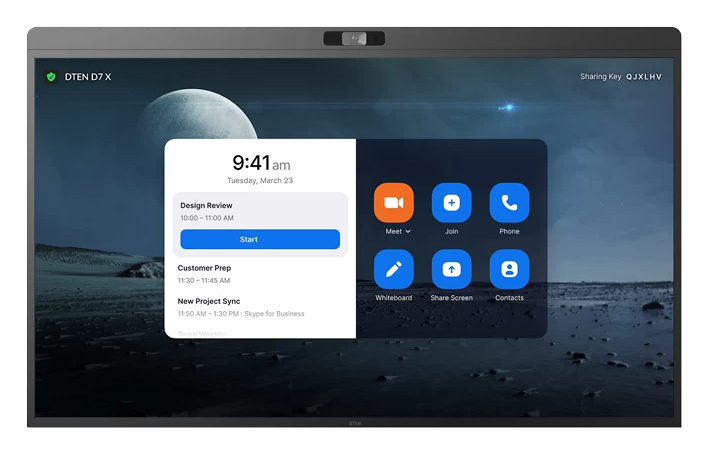
DTEN D7X 75"
D7X AI Board 75" coming soon, with full AI experience
75" 4K certified display for Microsoft Teams Rooms. Same room coverage as the AI Board 75", without the on-device AI features. Right-size your room today. Upgrade to D7X AI Board when available.
Large room audio system. DTEN Relay Speakers.
For rooms over 20 ft deep, DTEN Relay Speakers extend audio coverage to the far end of the table, filling the dead zones that even premium built-in speakers can't reach. Pairs with the D7X 75" for a complete large-room solution.
For rooms where a display is already in place, the DTEN Bar Connect + Mate Gen 2 modular solution video-enables any existing 4K display for Teams and Zoom BYOD meetings, plug in your laptop via USB‑C and the room is ready. See the Hardware Checklist for the full Bill of Materials comparison.
FAQ
Frequently Asked Questions
Ready to Configure Your Teams Room Display?
DTEN's certified Microsoft Teams Rooms displays arrive pre-configured and install in under an hour. Contact sales or book a live demo.
No commitment, talk to a DTEN specialist