


Planning Resource
The Complete
Microsoft Teams Rooms
Hardware Checklist
Plan your Microsoft Teams Room deployment from the first hardware decision to go live. Every requirement, every configuration, in one place.
Use this checklist to evaluate your room requirements, compare equipment options, and confirm your deployment is complete before your first meeting. Works for any Microsoft Teams Rooms device, all-in-one or modular.
No commitment, talk to a DTEN specialist
What This Checklist Covers
Also covers. detailed setup steps and small room guidance
IT and AV teams at these organizations have deployed DTEN












Interactive Checklist
Camera, Display, and Audio Checklist
Check off each requirement as you confirm your hardware specs. Progress is saved while you remain on this page.
Camera Requirements
Display Requirements
Audio Requirements
IT Readiness
IT Management Checklist
Network configuration and Microsoft 365 setup must be completed before device installation. These items are the most common cause of deployment delays.
Network Configuration
Licensing and Tenant Configuration
Deployment
Installation Checklist
Complete these steps in order on installation day. Each phase depends on the previous one being confirmed.
Before Installation Day
Physical Installation
Software and Provisioning
Skip the research, talk to an expert
Get a pre-filled hardware list for your rooms
A DTEN specialist can put together a complete hardware BOM for your rooms.
Hardware Planning
Core Requirements & the Full Room System
Confirm the components every certified Microsoft Teams Room needs, then complete the room with the DTEN system pieces, Vision System, Audio System, and Console, that match its size and use.
What You Need to Buy
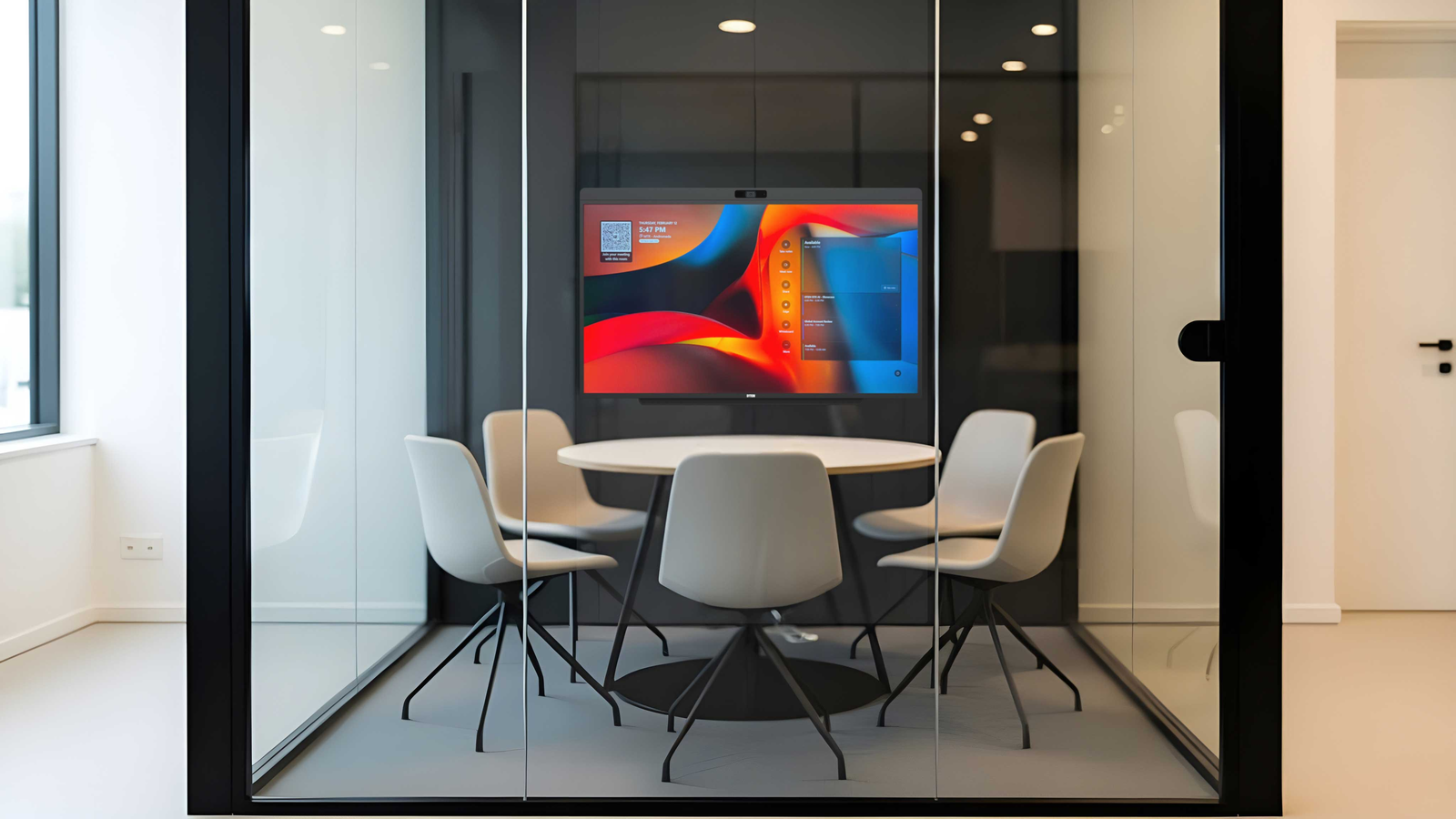
All-in-One vs Modular. Hardware Purchase List
The setup approach you choose directly determines your purchase list. Here is exactly what you need to procure for each path, so you can build an accurate budget before ordering.
DTEN Recommendations
Recommended DTEN Setup by Room Size
DTEN makes certified Microsoft Teams Rooms devices for every room size. Here's the right starting point based on your room dimensions.
Huddle to Medium Conference Rooms, 2 to 10 People
DTEN D7X AI Board 55"
Designed for Microsoft Teams Rooms. Every voice heard. Every face seen.
Huddle, small, and medium conference rooms
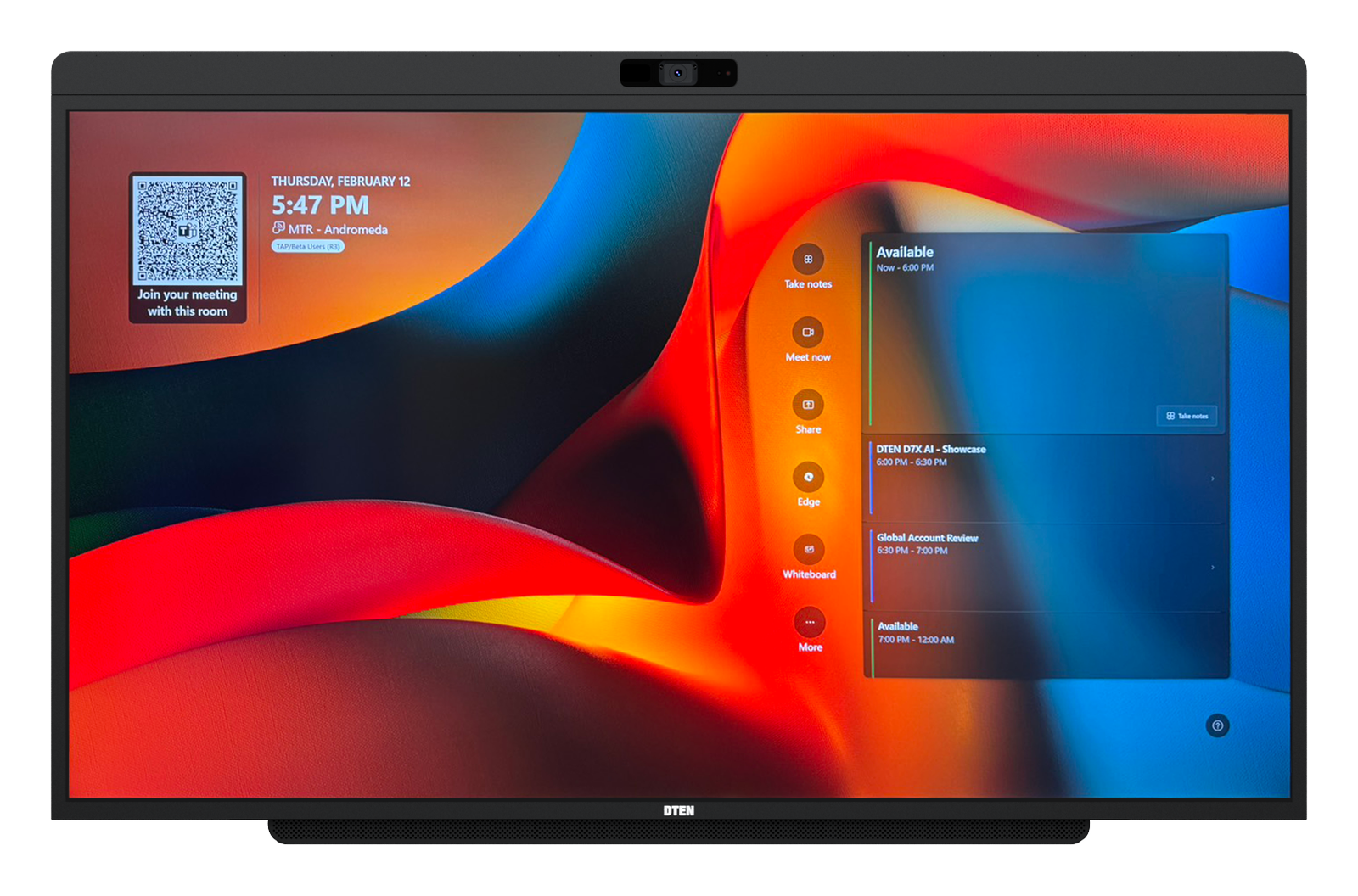
- 48MP camera · 102° HFOV · dual AI depth sensors (160°)
- 15-element beamforming mic · pickup up to 30 ft
- 40W front-facing speakers · built-in AEC
- Intel Core Ultra 7 + 8-core ARM AI processor · Windows 11
- Power + Ethernet install · wall mount or AV cart
Medium to Large Conference Rooms, 6 to 10+ People
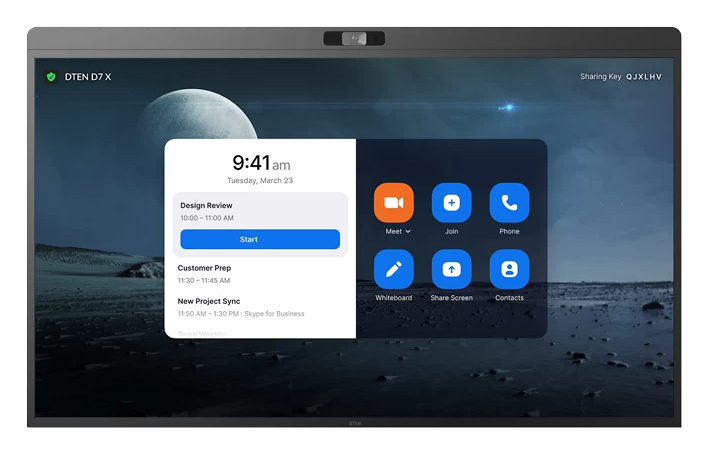
DTEN D7X 75"
75" 4K certified Teams Room display, without the AI Board features.
Standard and large conference rooms · D7X AI Board 75" coming soon
 75"
75"
- 75" 4K UHD touch display
- 4K camera · 90° HFOV (75") · certified for Teams Rooms
- 15-microphone array · integrated stereo speakers
- Windows 11 MTR built in · Intune-manageable
- Add Vue Pro or Relay Speakers for larger rooms
Existing Display Upgrade, BYOD
DTEN Bar Connect
Video bar for any existing 4K display.
Camera, mic, and speakers in one unit

- 4K camera + mic array + speakers in one bar
- Single USB‑C to host laptop (BYOD)
- Connects to the display via HDMI
- Pairs with the Mate Gen 2 touch controller
Touch Controller, Teams & Zoom
DTEN Mate Gen 2
Tabletop touch console for Bar Connect rooms.
DTEN Mate OS, not a compute unit
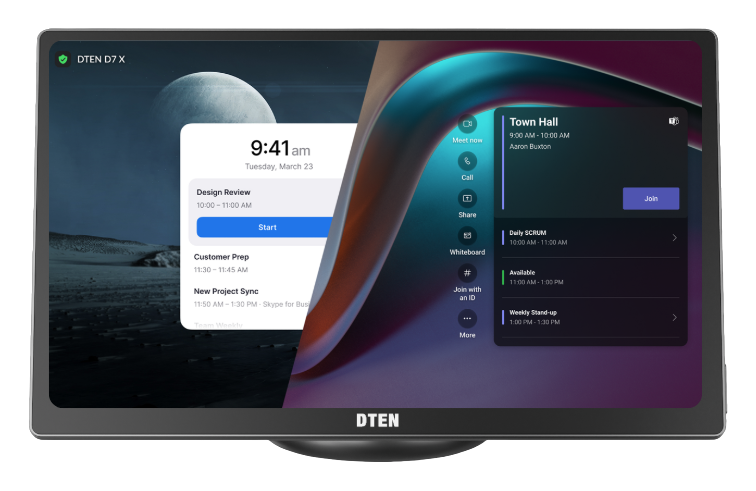
- Tabletop touch controller (DTEN Mate OS)
- USB‑C content sharing & BYOD
- Connects to Bar Connect via a single network cable
- Certified for Teams & Zoom Rooms
FAQ
Frequently Asked Questions
Ready to Build Your Teams Room?
Work Through the Full Hardware Checklist
Use the interactive checklist above to confirm every hardware, IT, and installation requirement for your Microsoft Teams Room deployment, or talk to DTEN to scope it with you.
Also see. Microsoft Teams Rooms Devices · Teams Room Setup Guide · Small Room Setup